Drawing
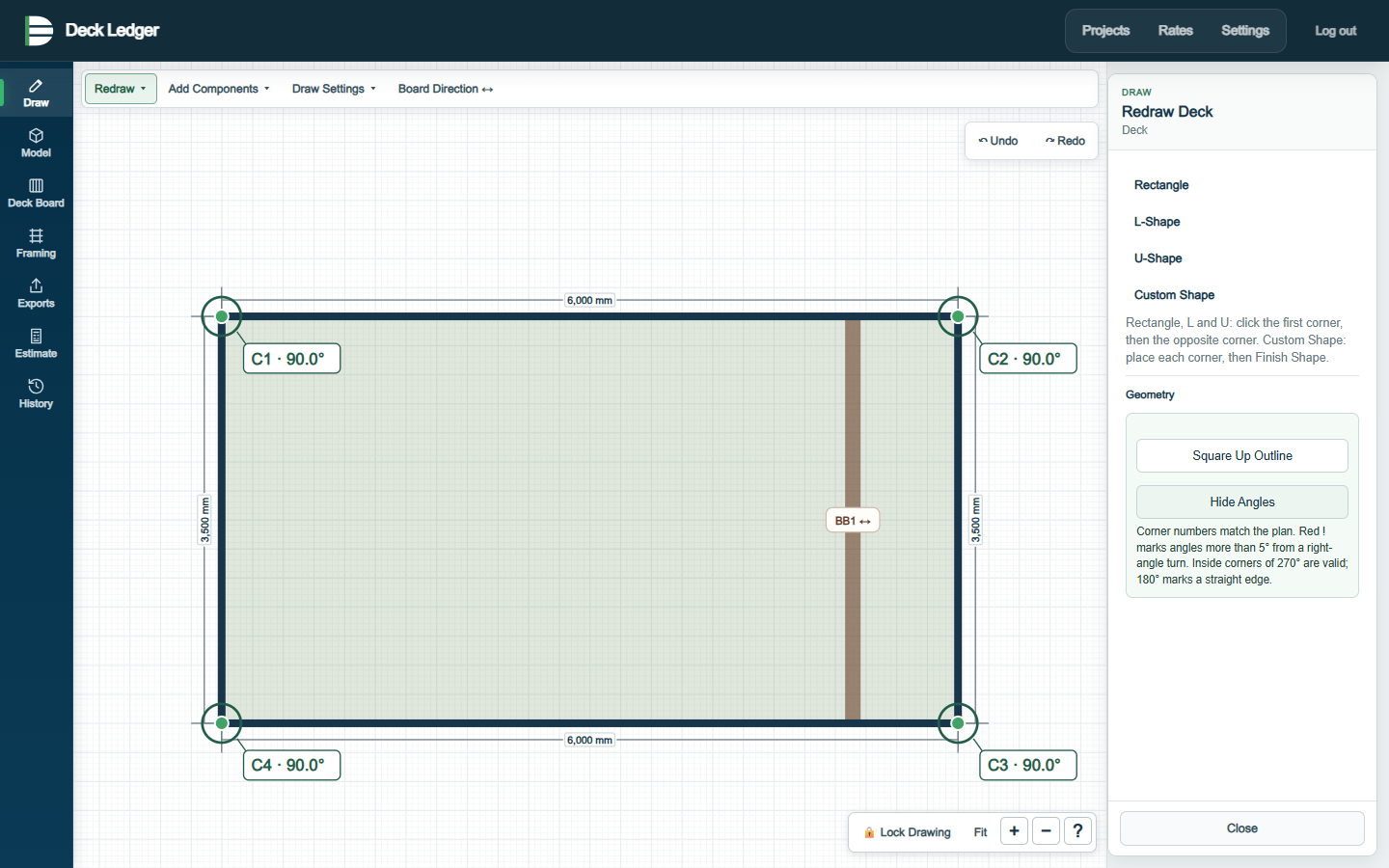
Create simple or irregular deck outlines with live dimensions on desktop or mobile.
 Deck Ledger
Built for Australian deck builders
Everything you need to move from deck outline to model, material quantities, estimate and quote in one connected workflow.
For trade professionals only. All applications for access require review before acceptance.
Create simple or irregular deck outlines with live dimensions on desktop or mobile.
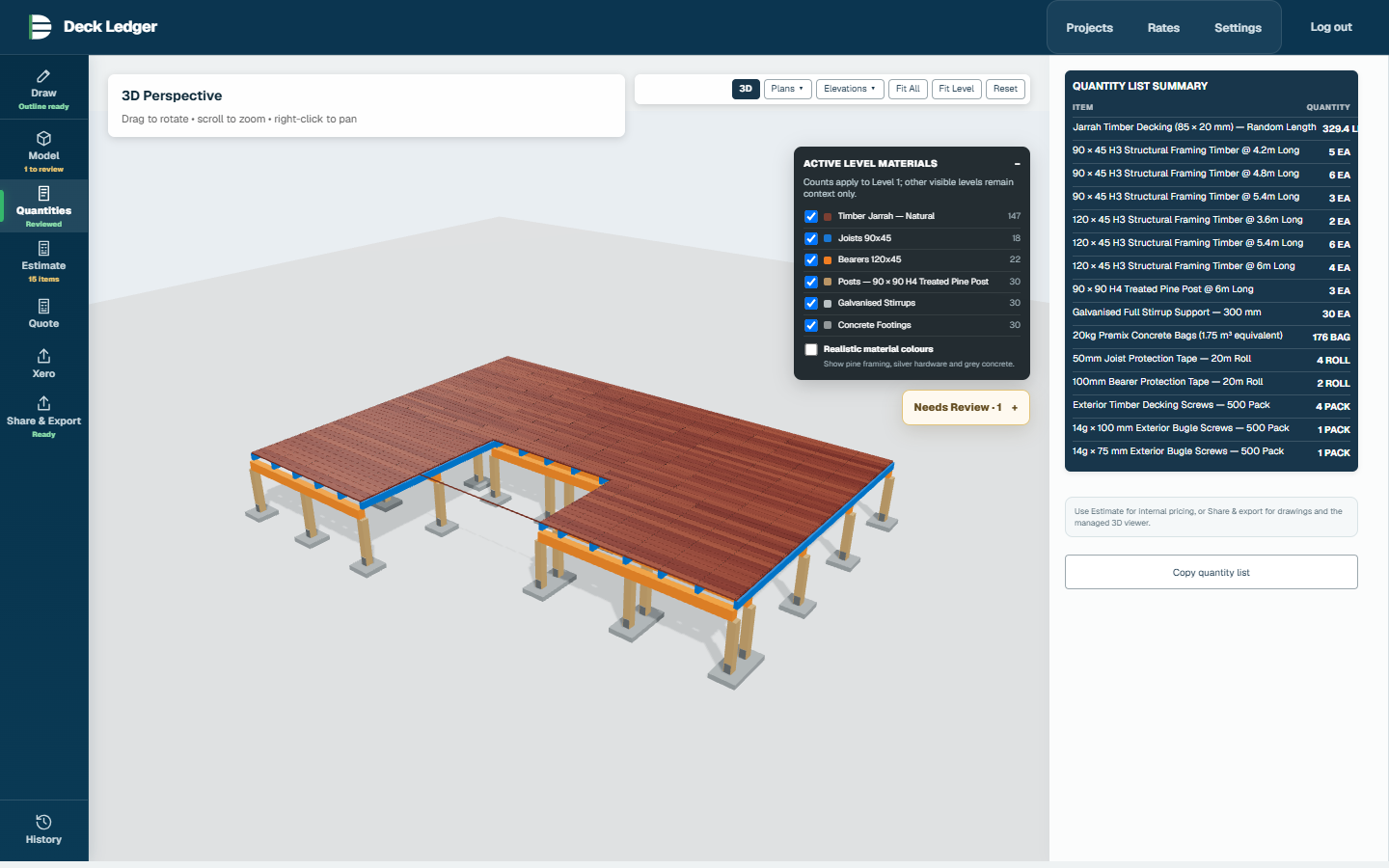
Move from a measured outline to a preliminary 3D model, with decking and framing layers kept together.
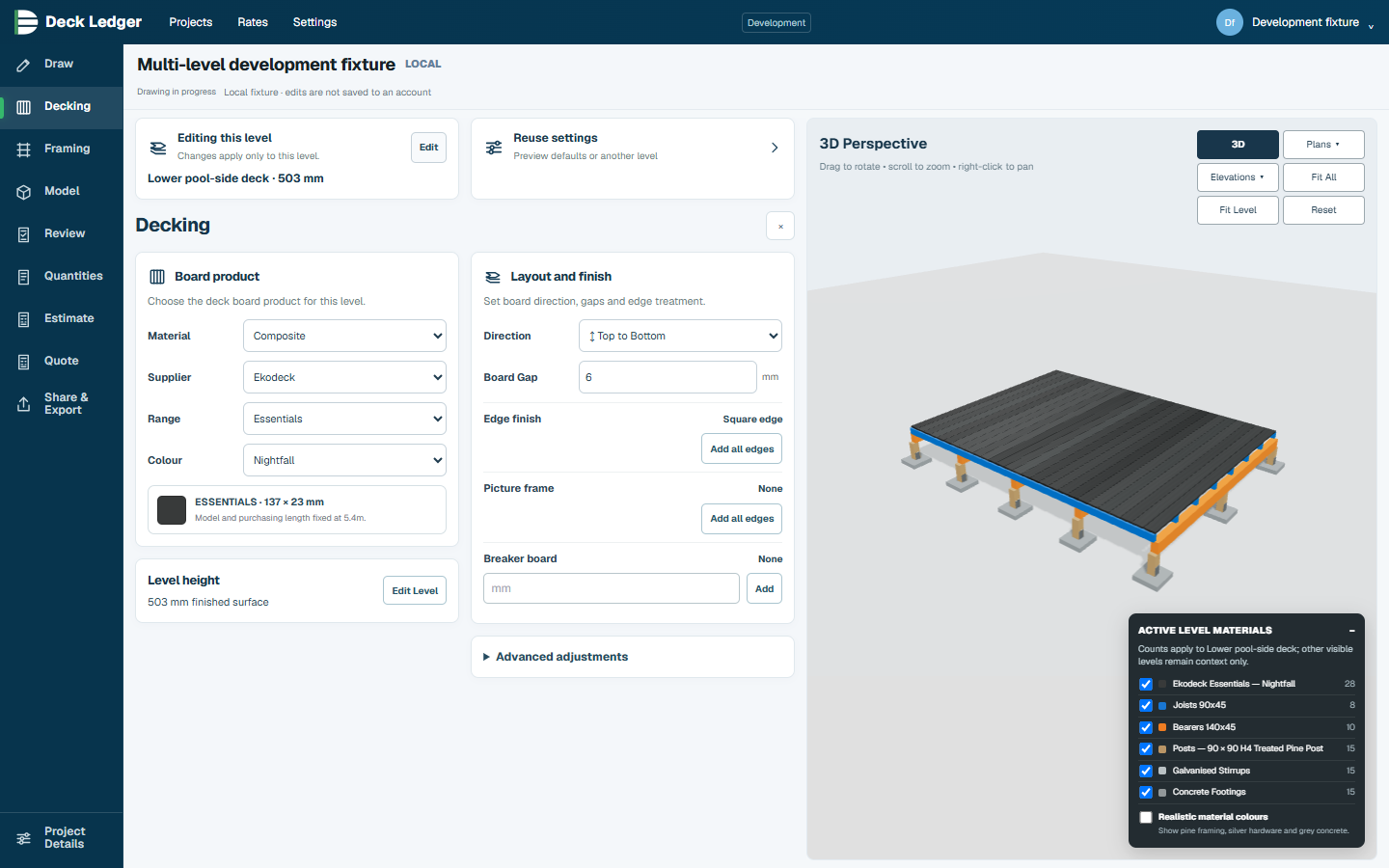
Choose the deck board product, direction and layout details for the project.
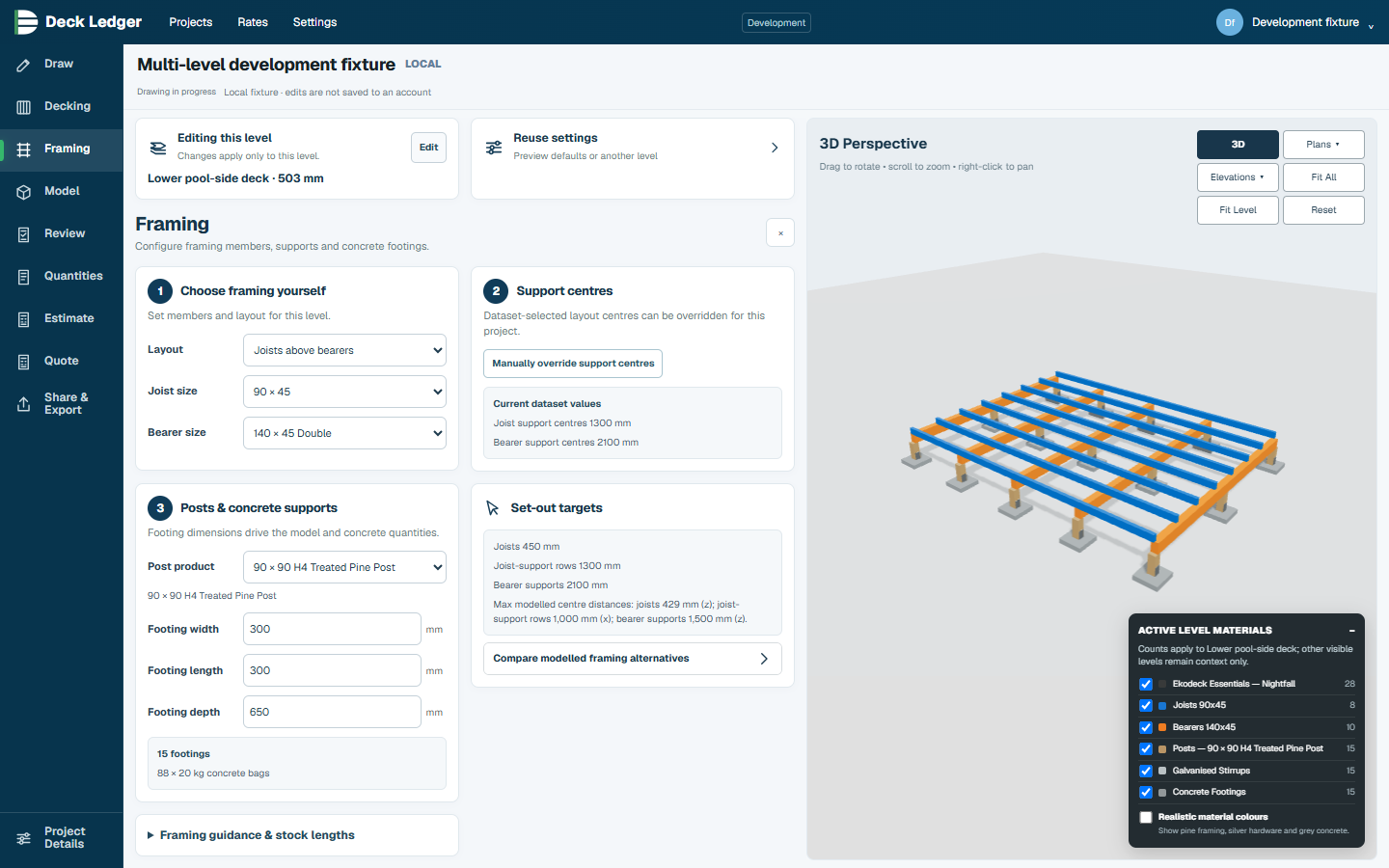
Select a framing dataset, member layout and support settings for the project.
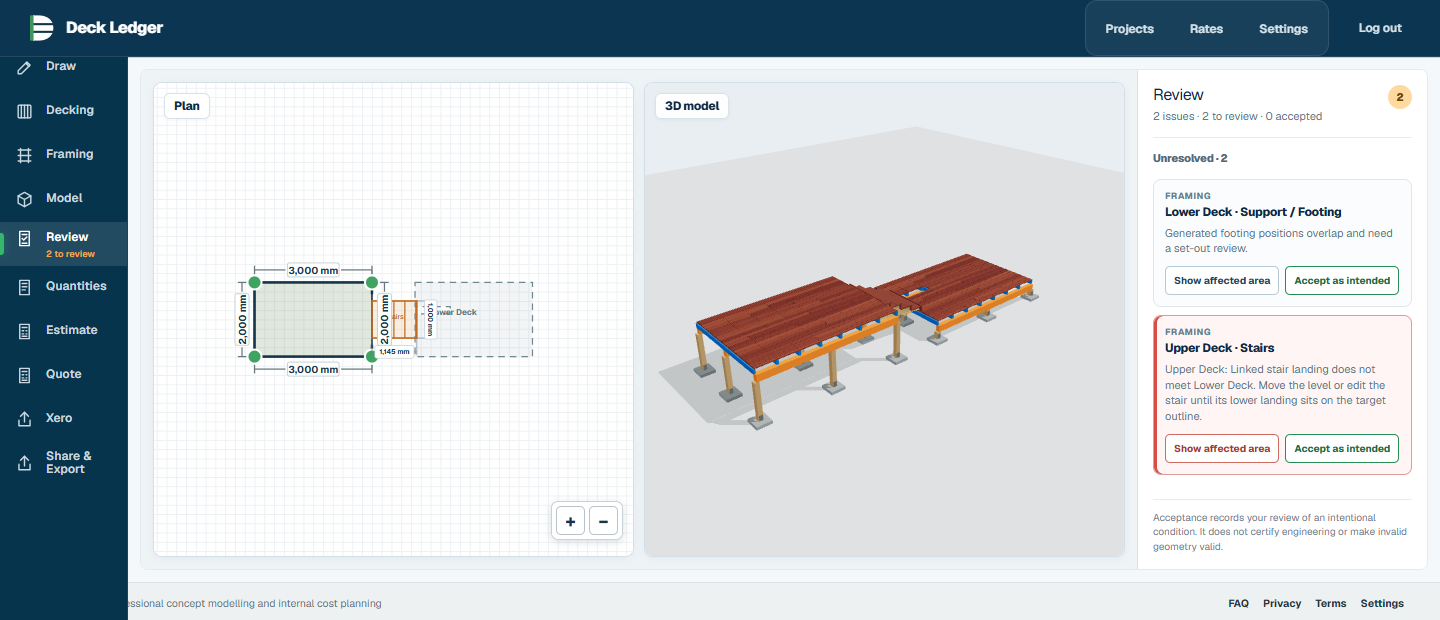
Use Review to locate model issues, understand them and return to the relevant workspace before estimating.
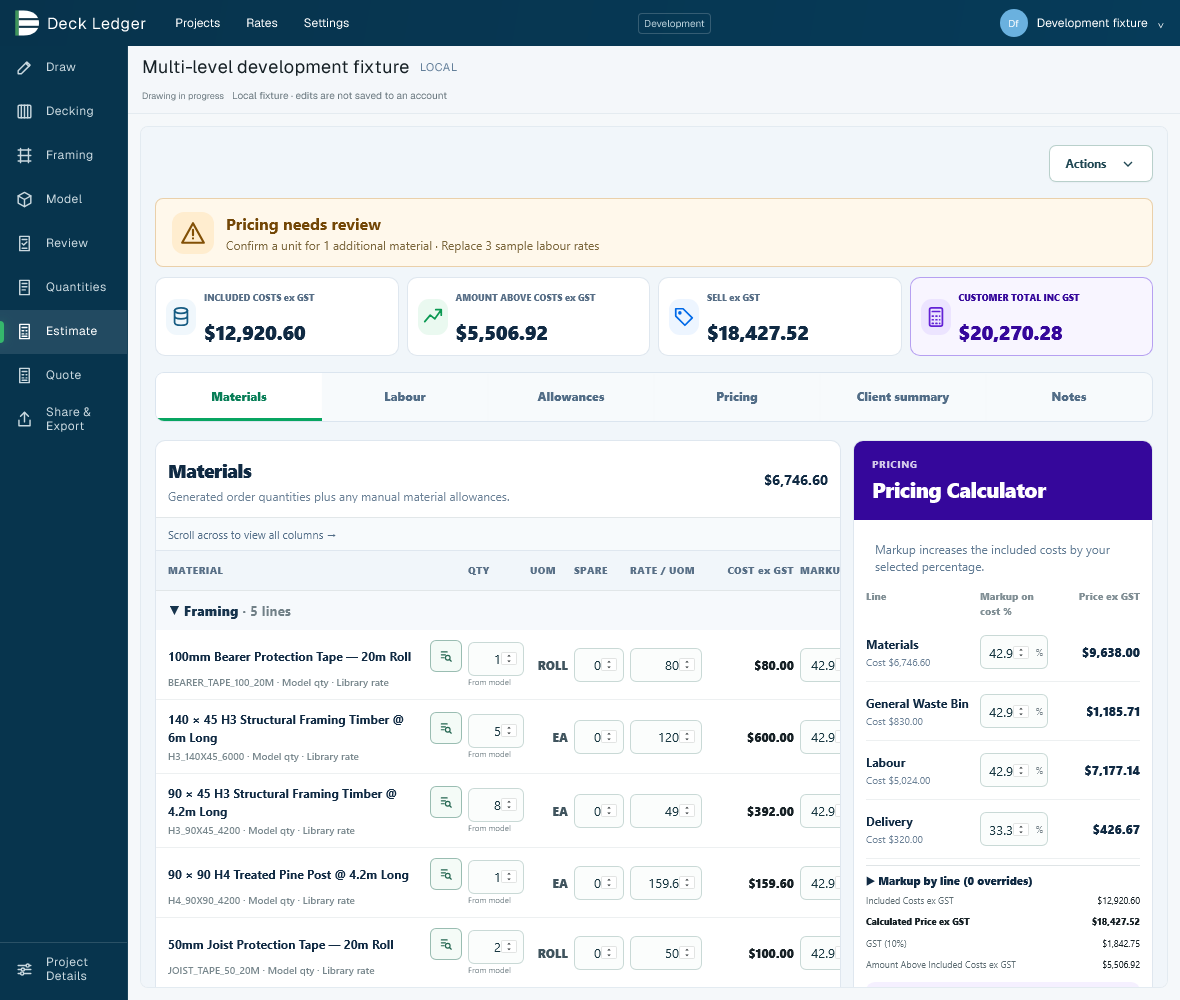
Review material, labour and delivery costs, apply your pricing settings and confirm the customer total.
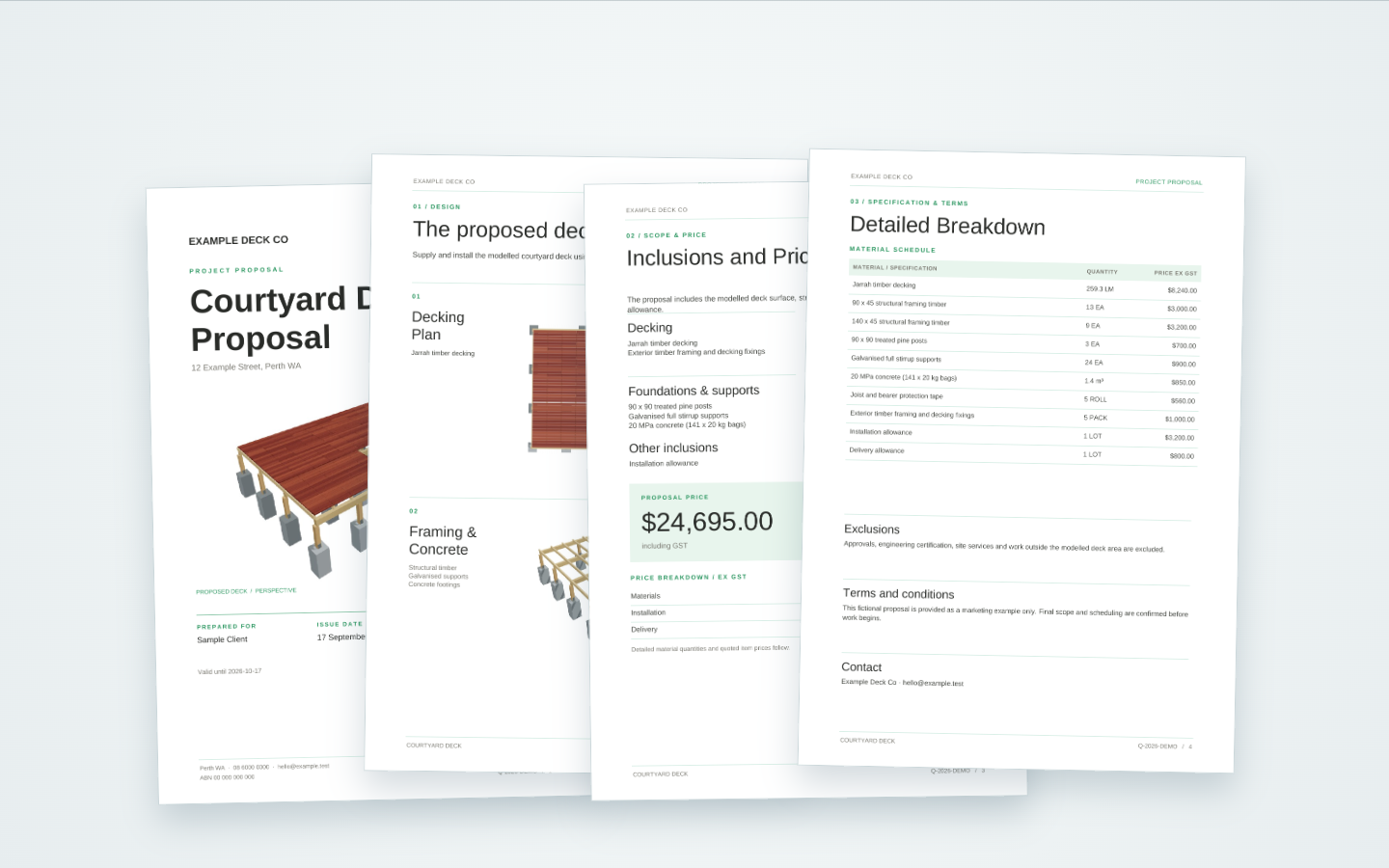
Prepare a customer quote from the reviewed project and estimate, then save a fixed revision for download.
Create a drawing pack with model, decking, framing and concrete support layouts for professional review.
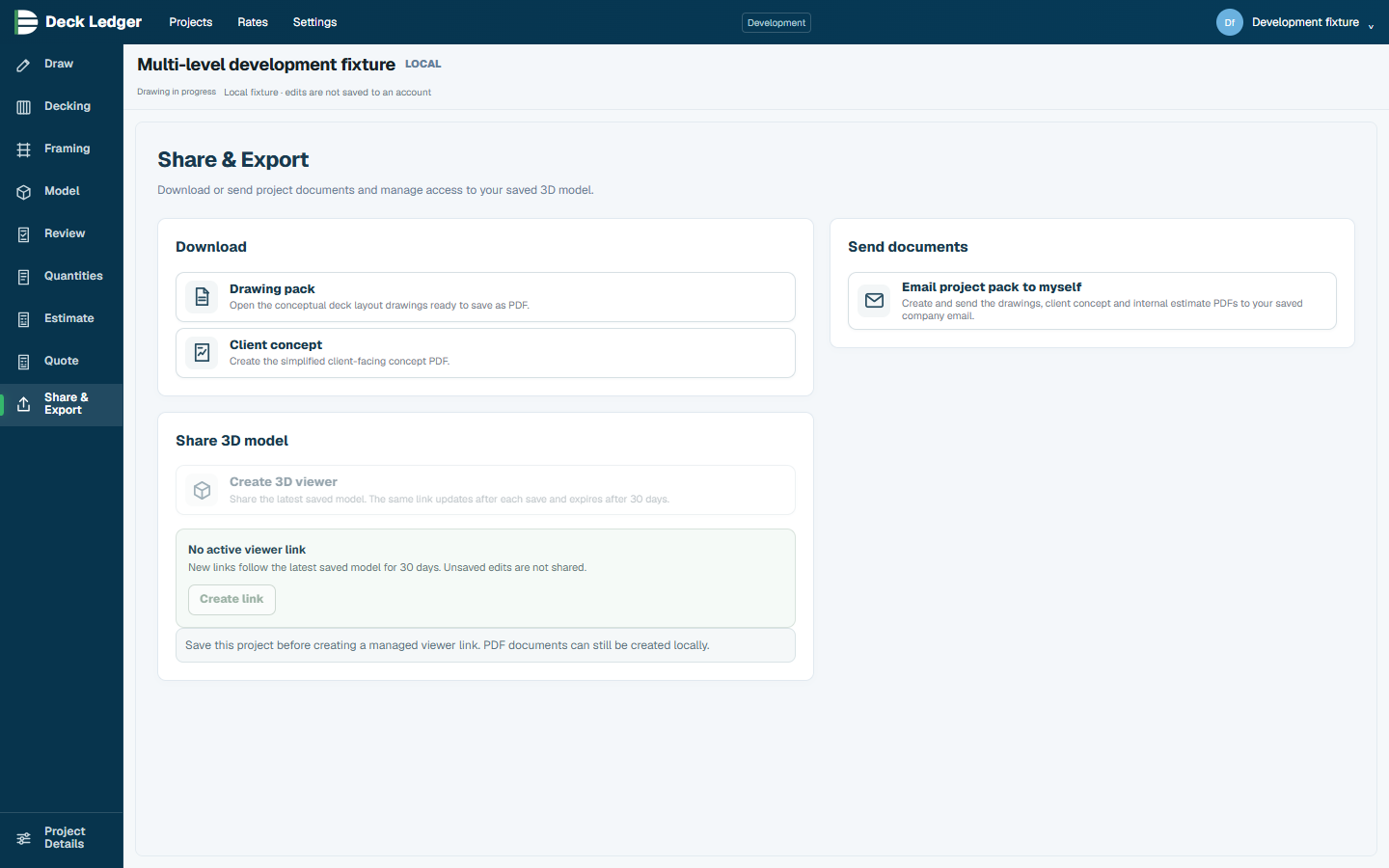
Share a read-only 3D model link for straightforward project review without editing access.
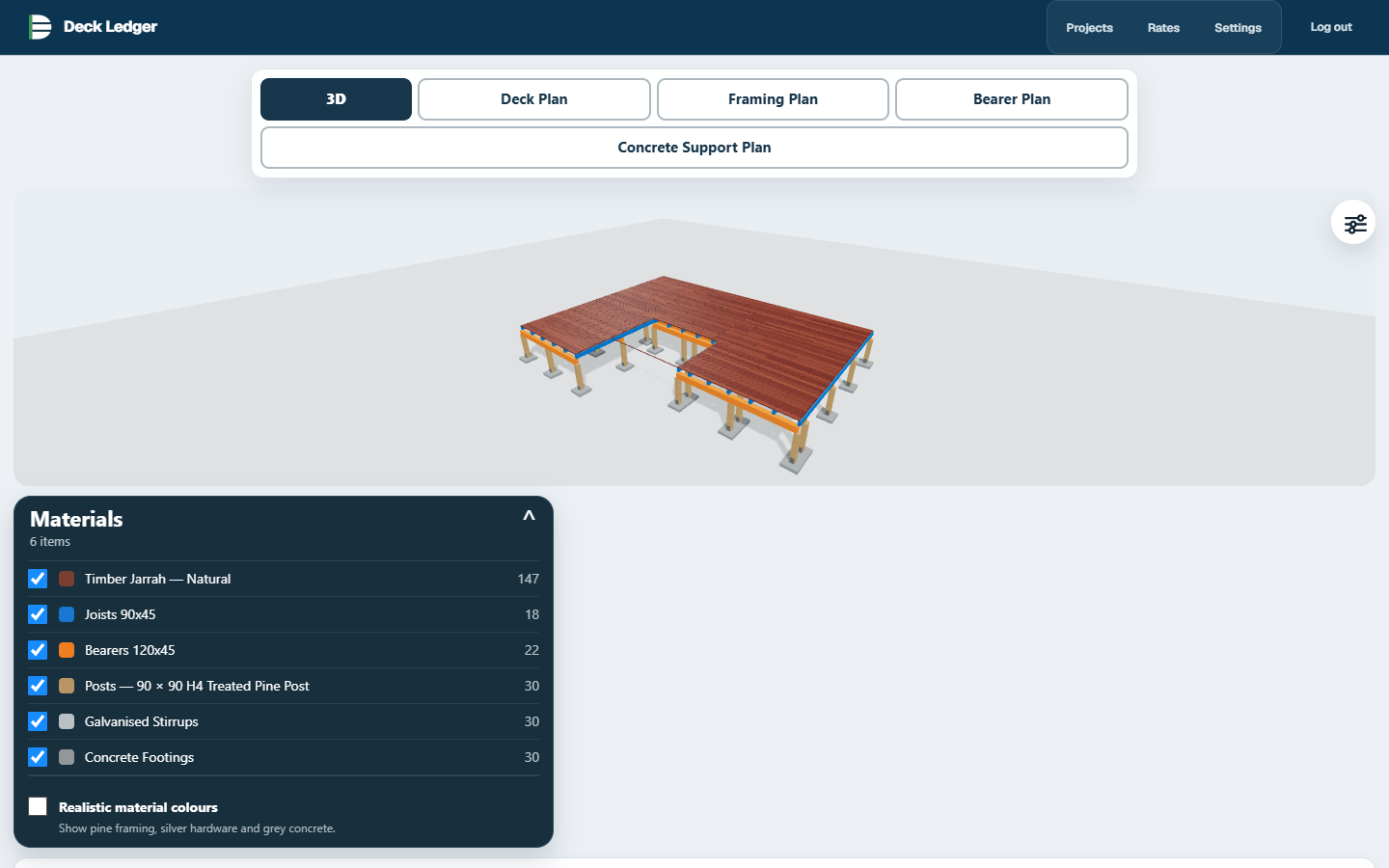
Product screenshots show example workflows; the interface may vary.