Full AccessA$49/month total
- No lock-in
- 14-day free trial planned
- No card required for the trial
Paid checkout and the free trial are not active while Deck Ledger is in development.
 Deck Ledger
Draw, model, quantify and estimate—all in one practical browser-based workspace, built for Australian deck builders.
Paid checkout and the free trial are not active while Deck Ledger is in development.
Beta applications are now closed. Enter your email and we’ll let you know when Deck Ledger is released.
An active ABN is required. All applications for access require review before acceptance. A release notification does not guarantee access.
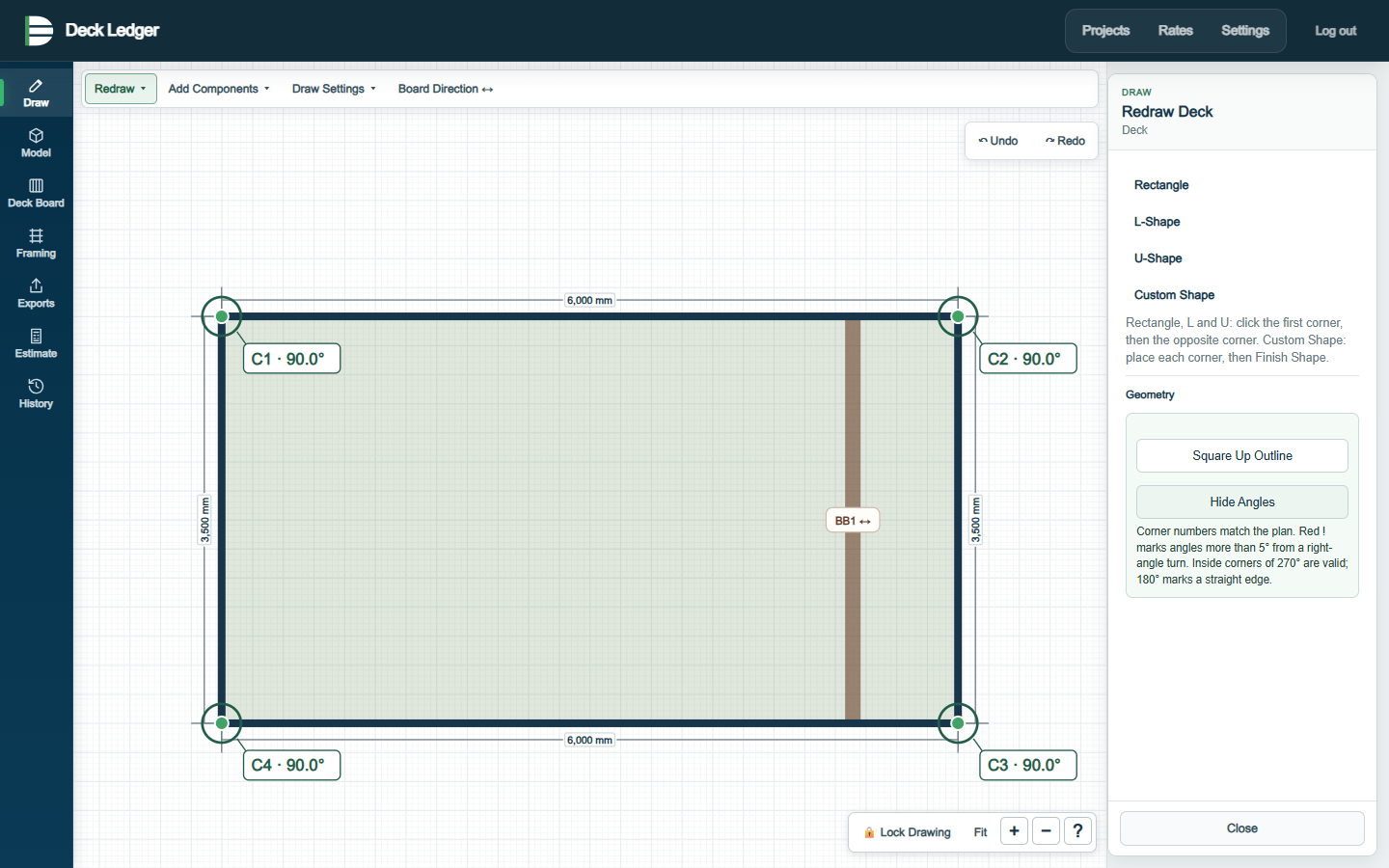
Confirm corners, enter exact millimetre dimensions and choose common shapes.
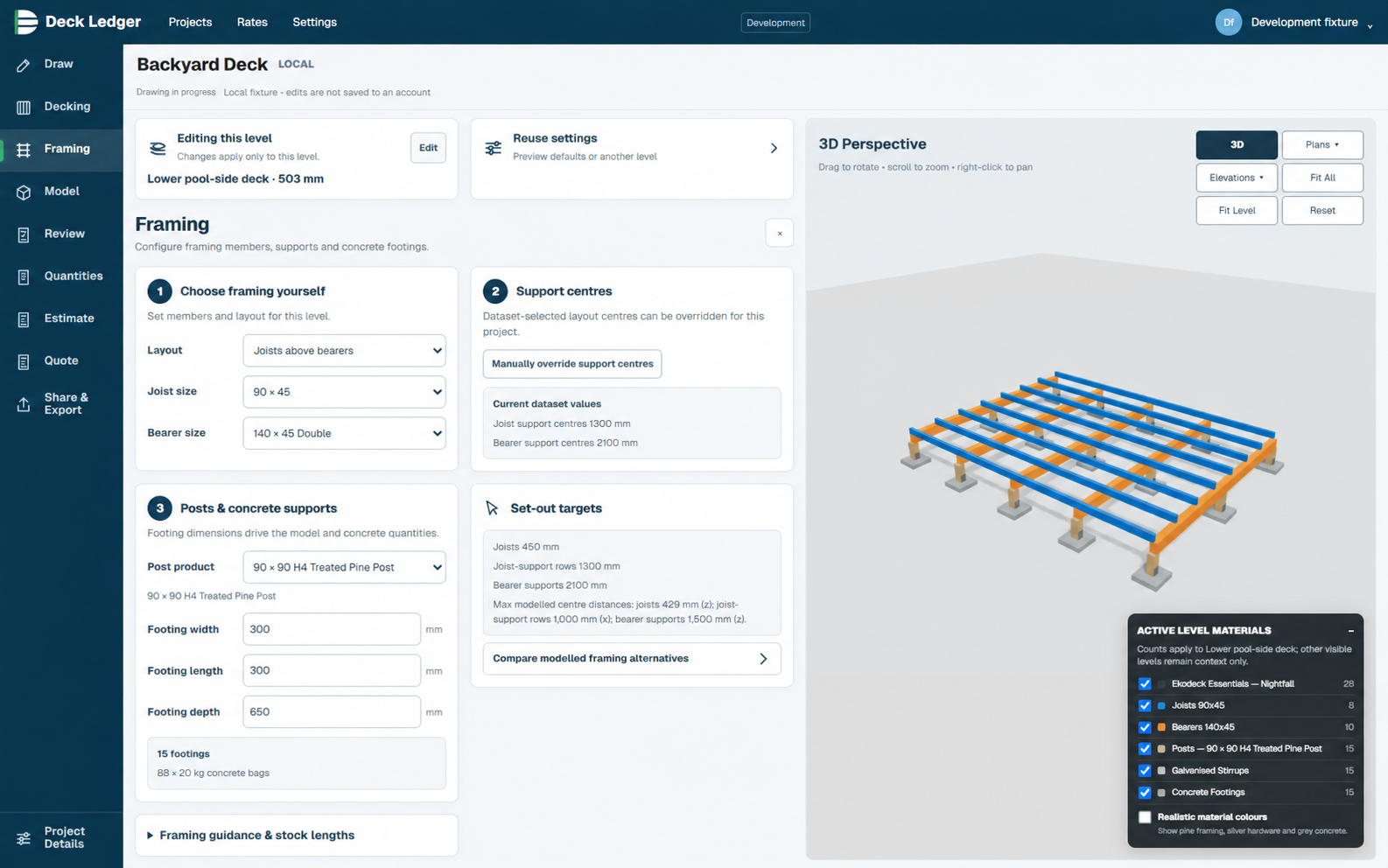
Review decking, joists, bearers, supports and stairs with practical visibility controls.
Turn the saved model into an organised list of decking, framing, fixings and supports.
Review costs, allowances and margins before saving the project record.
Maintain your material and labour cost library once, then reuse it across estimates.
Prepare quotes, clear drawings and a read-only model view for project review.
Create deck outlines with live dimensions, choose common shapes or draw freeform. Use snap-to-grid, angle controls and measurement tools at the desk or on site.
Move from a measured outline into a practical 3D review, with decking and framing layers kept together in the same project.
Drawing, modelling, quantities and estimating—connected in one browser-based workspace.